
In this article (16 sections)
How to check if ChatGPT recommends your business without being fooled by one lucky or unlucky answer: a repeat-run audit, a scorecard, and a plain reading of what the numbers mean.
By Victor Akachukwu, WildKard Agency
You typed “best plumber near me” into ChatGPT, and your business wasn’t in the answer. Or maybe it was, and you felt great for an afternoon. Then a colleague tried the same question and got a completely different list.
Both reactions rest on a bad assumption: that ChatGPT gives one answer. This guide shows how to check if ChatGPT recommends your business in a way that survives that problem. You’ll build a short set of customer questions, run them several times, score the results, and learn what to do with the score.
| Here’s how to check if ChatGPT recommends your business: don’t trust a single answer. Write ten questions a customer would ask, run each one three times in a fresh session, and record whether your business appears, whether your website is cited, and whether the details are correct. Divide mentions by total answers to get your mention rate, then repeat on Google AI Overviews and Perplexity. |
Why One Answer From ChatGPT Tells You Almost Nothing
Most guides tell you to open a fresh chat, ask what a customer would ask, and see whether you appear. That’s a reasonable first step. It’s also a coin flip dressed up as a test, and there’s data on how unreliable it is.
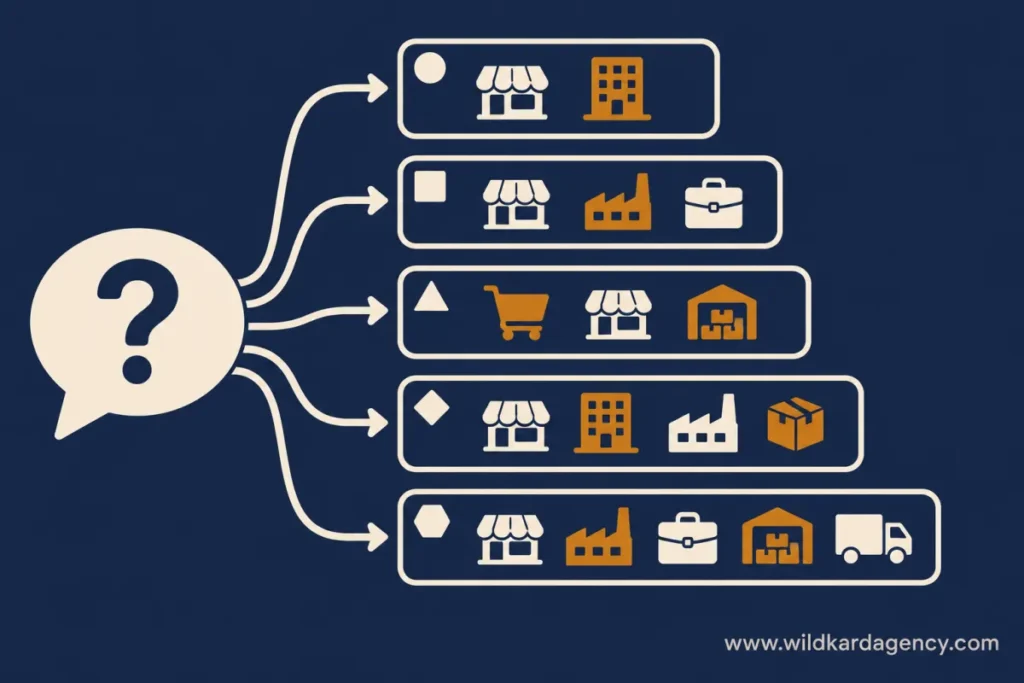
SparkToro and Gumshoe.ai had 600 volunteers run 12 prompts through ChatGPT, Claude, and Google’s AI features, which produced 2,961 runs in late 2025. They found that ChatGPT and Google AI had less than a 1-in-100 chance of returning the same brand list on any two runs of the same prompt. The same brands in the same order showed up roughly once in 1,000 runs.
List length changed too. Answers to the same prompt ranged from two or three items to ten or more. So when your business is missing from one answer, you’ve learned very little, and when it’s present in one answer, you’ve learned just as little.
The same research found something useful, though. How often a brand appeared across many runs was far steadier than where it appeared in any one list. That’s the basis of how to check if ChatGPT recommends your business reliably: measure frequency, ignore position.
Two honest caveats. The study wasn’t peer reviewed, and it used models from late 2025, so the exact odds may have shifted. The pattern it describes, though, is what you’ll see yourself within five minutes of asking the same question twice.
What an AI Visibility Audit Measures (and What to Ignore)
An AI visibility audit is a repeatable check of how often AI tools mention, cite, and describe your business accurately when customers ask questions you want to win. It answers one question: when someone like my customer asks, how often am I in the answer?
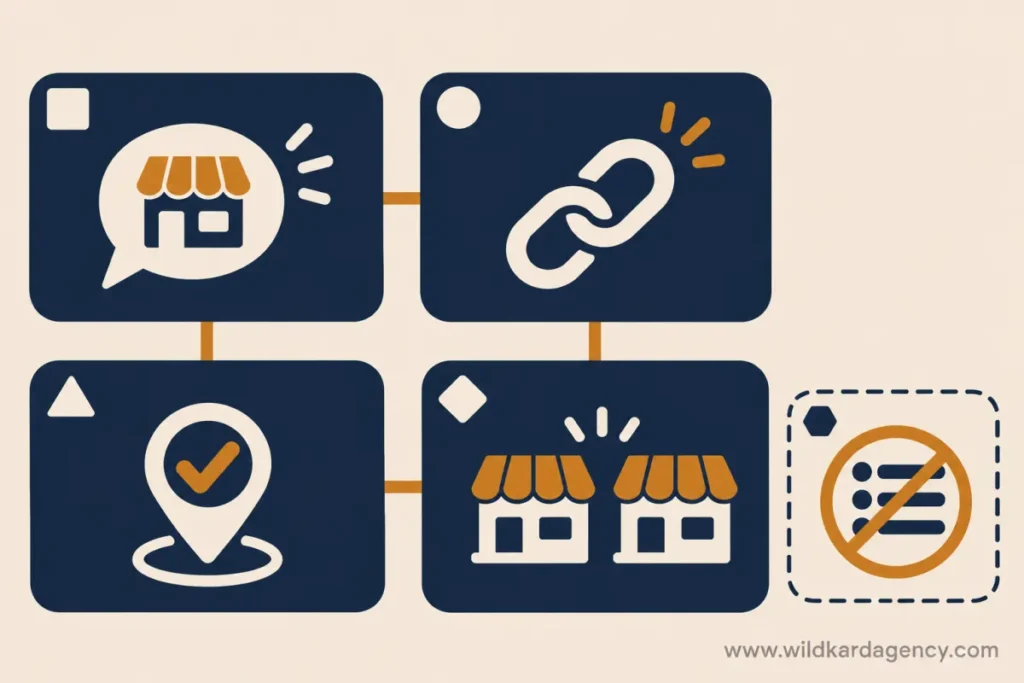
Four numbers are worth recording. One more is worth deliberately ignoring.
| Measure | What you record | Why it matters |
| Mention rate | Your business named in the answer, yes or no, divided by total answers. | The most stable signal across repeated runs. |
| Citation rate | Your own website shown as a source or link, yes or no. | Shows whether the AI is reading your pages or someone else’s description of you. |
| Accuracy | Name, location, services, hours, and phone correct, yes or no. | A wrong phone number in an AI answer costs you a customer you never knew about. |
| Competitors named | Which rivals appear, and how often. | Gives your rate a benchmark. Zero means little without it. |
| Position in the list | Skip it. | SparkToro’s data shows order is mostly noise, so don’t build decisions on it. |
That last row is where many paid tools earn their money, and where SparkToro’s advice is blunt: it recommends avoiding rank-position metrics and asking any tracking vendor how many runs sit behind each number. If a tool can’t tell you, treat its chart as decoration.
This is also why the audit fits AI visibility for small business better than enterprise dashboards do. You don’t need ten thousand prompts. You need a small, honest sample and the discipline to repeat it.
How to Check if ChatGPT Recommends Your Business: The Audit in Five Steps
Here’s the whole method of how to check if ChatGPT recommends your business, on one page. The next three sections cover step 1, steps 2 and 3, and steps 4 and 5, in that order. Two extra checks after that, the free reports and your crawler access, rule out technical causes.
- Write ten customer questions. Use real wording from your own enquiries, not your marketing copy.
- Open a clean session. Use a logged-out window or a temporary chat so your history doesn’t color the answer, and turn on web search so you’re testing the version that can look things up.
- Run each question three times, each in a new chat, on ChatGPT, Google AI Overviews or AI Mode, and Perplexity.
- Record four things per answer: mentioned, cited, accurate, and which competitors appeared.
- Divide and compare. Mention rate is mentions divided by answers. Compare it with your top two competitors, then read the pattern.
That’s 10 questions x 3 runs x 3 engines, so 90 answers. Plan on roughly two hours the first time and under an hour on repeat visits. That’s our estimate, not a measured figure, and a spreadsheet with ten rows and a few columns is all the software you need.
Ninety answers won’t give you the precision of a research study. SparkToro suggests 60 to 100 runs per prompt when tracking seriously, and it describes the output of enough prompts and runs as a rough dartboard pattern, not a measurement to the decimal. Your goal is the same pattern at small-business scale: are you usually there, sometimes there, or almost never there?
Build a Prompt Set From Your Real Customers
The questions you ask decide everything, and the common mistake is asking questions only you would ask. Don’t type your business name and see what comes back. Customers who already know your name aren’t the ones you’re losing.

SparkToro looked at how people actually prompt AI and found human-written prompts for the same goal were wildly different in wording, with an average semantic similarity of 0.081. The same study found AI tools still returned similar clusters of brands across those phrasings. So write each question in your customers’ words, and expect the intent to matter more than the exact phrasing.
Mine your own records for wording: the last 20 emails or contact form messages, the questions people ask on the phone, the reviews that describe why people chose you. Then build ten prompts across four types.
| Prompt type | Pattern | Example for a Dayton plumber (hypothetical) |
| Find a provider | Service + place + a qualifier | Who’s a reliable plumber in Dayton for a water heater replacement? |
| Problem first | Describe the situation, not the service | My basement has an inch of water after every storm. Who can fix it near Dayton? |
| Compare or shortlist | Names, or “alternatives to” | Compare the top-rated plumbers in Dayton on price and emergency service. |
| Check a name | Your business, plus a competitor’s | Is [your business] a good plumber in Dayton? How does it compare to [competitor]? |
Aim for four find-a-provider prompts, three problem-first prompts, two comparison prompts, and one name check. Weighting toward the first two types mirrors how new customers search, because the name check mostly tells you what’s already known about you. If you serve several cities or services, run one audit per core service, not one mega-list.
Save the exact wording in your sheet and never change it between rounds. If you reword a prompt, you’ve started a different test.
Run Every Prompt More Than Once, in a Clean Session
Run each prompt in a new chat, three times, with no follow-up questions. Follow-ups steer the model, and you want to measure the first answer a stranger would get.
A few settings are worth controlling, because ChatGPT can personalize. Log out, or use a temporary chat, and don’t ask from an account that has chatted about your own business a hundred times. Use the same device for every round, and note the date. Location matters for local prompts, so if you want the “near me” version, run it from the city you serve.
Test the engines your customers actually use. ChatGPT with search on is the obvious one. Add Google, which runs AI Overviews and AI Mode, and add Perplexity as a third engine with a different retrieval setup. Three engines is enough to start.
One more trap: don’t stop when you get the answer you wanted. If your business appears on the first run, run it twice more anyway. The point is the rate, and a lucky first run is exactly how people fool themselves.
Score Your Mention Rate and Read It Honestly
Open your sheet with one row per answer and these columns: prompt number, engine, run number, mentioned (Y/N), cited (Y/N), accuracy problems, and competitors named. When the 90 rows are filled, your mention rate per engine is a single division.
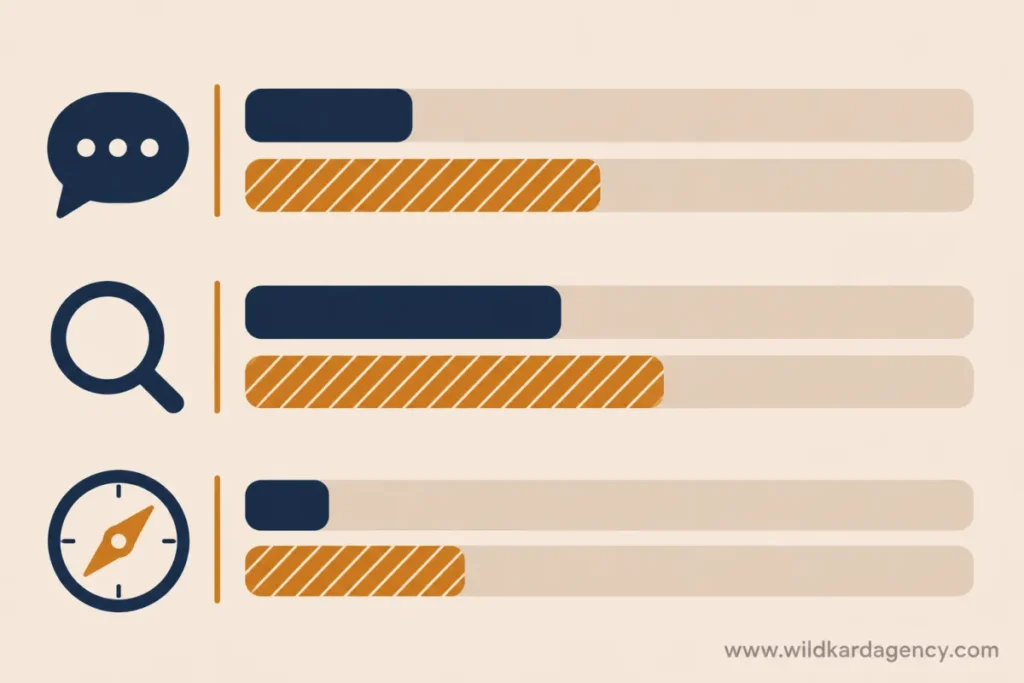
Here’s a worked example, and it’s hypothetical. A Dayton plumber runs the audit and gets 30 answers per engine. The numbers below are illustrative, not benchmarks.
| Engine | Answers | Mentioned in | Mention rate | Top competitor mention rate |
| ChatGPT | 30 | 6 | 20% | 47% (14 of 30) |
| Google AI Overviews / AI Mode | 30 | 13 | 43% | 57% (17 of 30) |
| Perplexity | 30 | 3 | 10% | 30% (9 of 30) |
Read it in three passes. First, compare with competitors, not with 100%. The SparkToro study found that for a broad B2B category, brand design agencies, even the leading brands appeared only 30% to 40% of the time. Appearing in 20% of answers while the top rival sits at 47% is a gap, but it isn’t a disaster.
Second, check accuracy on every mention. If six ChatGPT mentions include one wrong set of hours, that’s one real fix to make. SparkToro also warns that some AI-surfaced recommendations were defunct or inactive, so verify before you believe any single mention.
Third, bucket the rate. Our rule of thumb, which is a heuristic and not a published standard: under 15% means you’re rarely recommended, 15% to 50% means sometimes, and over 50% means usually. With 30 answers per engine, each answer moves the rate by about three points, so treat month-to-month changes under roughly ten points as noise.
Mention rate is the headline, but check your citation rate beside it. Being named without being linked often means the AI is describing you from somewhere other than your own website, which is useful to know before you decide what to fix.
Check Google AI Overviews and Bing Copilot With Free Reports
Manual tests show what a few searches look like. Two free reports show what’s actually being served, and most owners haven’t opened either.
In Search Console, the Generative AI performance report shows impressions from AI Overviews and AI Mode over time, which pages get them, and where they come from by device or country. If you don’t see the report, Google says that usually means your site hasn’t received enough impressions in those features yet. Another cause to rule out is having excluded your site in the Search generative AI control.
Microsoft offers something similar. AI Performance in Bing Webmaster Tools shows which of your pages are cited in Microsoft Copilot, AI summaries in Bing, and select partner experiences, along with how that changes over time and the grounding queries behind the citations. It’s the closest thing to seeing a citation count for an AI assistant.
For ChatGPT, we found no equivalent report from OpenAI when we researched this guide, so your manual audit is the only way to see how it treats you. If that changes, it will be worth adding to the routine.
Treat these reports as a second opinion on your manual results. If the audit says Google AI Overviews rarely mention you and Search Console shows few AI impressions, the two agree. If they disagree, trust the report for volume and the audit for what customers actually read.
Check That ChatGPT’s Crawler Can Reach Your Site
If your mention rate is zero everywhere, rule out the dull cause before anything strategic. Your site might be telling ChatGPT’s search crawler to stay out.
OpenAI documents three separate bots. OAI-SearchBot is the one that surfaces sites in ChatGPT search. If you opt out of it, you won’t appear in ChatGPT search answers, though you may still show up as a plain link. GPTBot is a different crawler for training data, and ChatGPT-User handles visits triggered by a user’s request.

That distinction matters because many site owners block “AI bots” with one blanket rule, then wonder why ChatGPT never mentions them. OpenAI says each bot’s setting is independent, so you can allow OAI-SearchBot for search visibility while blocking GPTBot from training. It also recommends allowing OAI-SearchBot in robots.txt, and notes that robots.txt changes can take about 24 hours to take effect.
Open yourdomain.com/robots.txt in a browser and look for OAI-SearchBot and any blanket rule that blocks every crawler. If you can’t tell, send the file to your web developer and ask one question: does anything here block OAI-SearchBot? Then wait a day before re-running your audit.
Google has its own limits on what you can influence. Its guidance on generative AI search says no special markup or llms.txt file is needed for Google Search, and that ordinary SEO practices still apply. So don’t pay for “AI optimization” files and expect Google to read them.
What Your Results Mean and What to Do Next
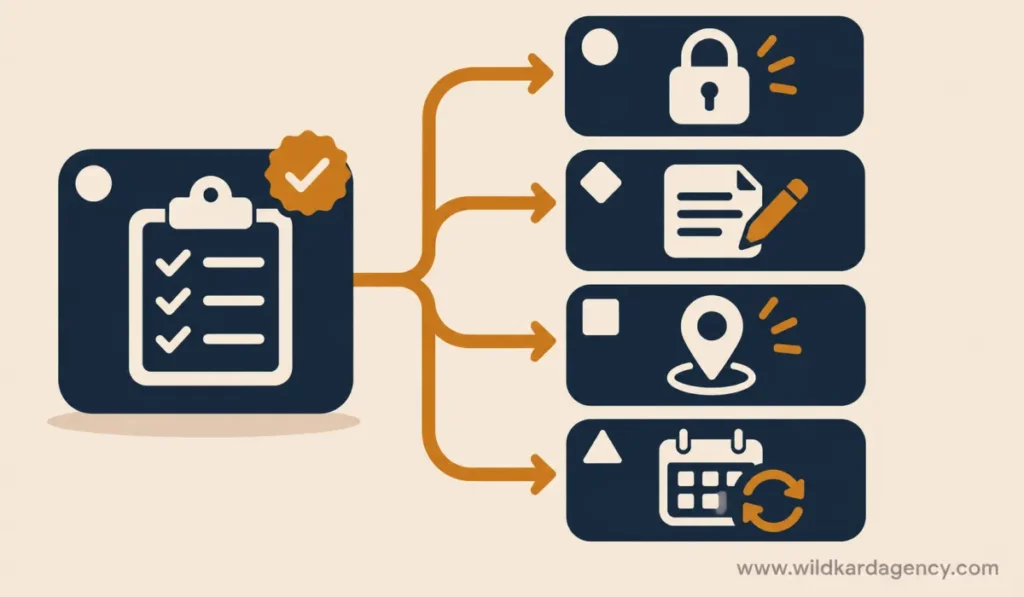
A scorecard is only useful if it changes what you do on Monday, and knowing how to check if ChatGPT recommends your business is only half the job. Find your pattern in the table, and start with the first action beside it.
| Pattern in your audit | Likely reasons to check | First action |
| Rarely mentioned anywhere; competitors are | Crawler blocked, thin service pages, few outside mentions of your business | Check robots.txt first, then read our guide on why a business isn’t showing up in ChatGPT. |
| Mentioned for your brand name, not for category questions | Known but not recommended: little content answering buyer questions | Publish pages that answer the exact questions in your prompt set. See content marketing for service businesses. |
| Mentioned, but details are wrong | Inconsistent listings, old pages, conflicting hours or addresses | Correct your site, your Google Business Profile, and listings, then compare against what your website should include. |
| Strong on Google AI, weak on ChatGPT | Different retrieval and different sources | Verify OAI-SearchBot access, then compare the two engines’ citations. Our SEO vs GEO guide explains the split. |
| Local prompts fail, general prompts work | Weak local signals | Start with local SEO fundamentals, including your Google Business Profile. |
| Usually mentioned and accurate | Nothing broken | Do nothing. Re-run the same prompts next month. |
Notice what’s missing: a promise that any single fix will move your number. Google’s own guide on generative AI search says standard SEO practices still apply, and that seeking fake or low-quality mentions across the web doesn’t help. The reasons in the middle column are what to check, not proven causes.
If you’d like the broader picture of how the two systems fit together, our GEO explainer covers the basics. The audit is what tells you which part of it your business needs first.
| GET A SECOND READ ON YOUR SCORECARDFinished the scorecard and not sure what it’s saying? Contact the WildKard team and tell us what you found. We’ll read the pattern with you and tell you which fix to try first. WildKard sells SEO and GEO work, so weigh that advice the way you’d weigh any agency’s. |
Three Traps That Make the Audit Lie to You
Asking the AI why it left you out
Many guides suggest asking a follow-up like “where did these recommendations come from?” The trouble is that a language model can’t report on its own inner workings, so the answer is a plausible story, not a log. SparkToro’s own advice is blunt: never ask an AI tool how it came up with an answer. Use the sources it displays instead, and treat anything else as a guess.
Trusting a tracking dashboard you can’t audit
Paid trackers can be useful, but check how they work before you pay. Ask how many times each prompt runs, how prompts are chosen, and whether position data is reported. Google adds a caution of its own: third-party tools don’t have access to Google’s internal systems, so check their claims against Google’s official guidance.
Changing the test between rounds
New prompts, a different device, or a different engine make this month’s number incomparable with last month’s. Change one thing only when you’ve decided to start a new baseline, and write the date next to it.
How Much Should AI Visibility for Small Business Matter to You?
Be skeptical of anyone who tells you this is the only thing that matters now. SparkToro summarized three studies from October 2026 that found AI assistants send very little referral traffic. One of them, covering 100 websites over 12 months, put ChatGPT at 0.62% of traffic and all large language models together at 0.73%.
SparkToro’s own view is that AI likely influences some buyers in some sectors, and that it’s better treated as a brand channel than a traffic channel. Its advice is not to restructure your budget around it, not to spend heavily on tracking, and to keep Google as the priority for search and traffic. Those are secondhand summaries of studies we haven’t read directly, so treat the figures as a signal.
Another reality check comes from SparkToro’s analysis of 118,163 ChatGPT prompts from 12,321 US panelists between January and October 2026. Only 6.9% of prompts involved researching a brand to buy from, and the category covering shopping, brands, and local services accounted for 5.7% of conversations.
What that means for you: run the audit because it’s cheap and it catches real problems, like a blocked crawler or a wrong phone number. Don’t buy a monthly tracking subscription until the free audit shows a gap worth watching. And keep your Google basics healthy, because the same pages usually feed both worlds.
How WildKard Built This Method (and What We Haven’t Tested)
WildKard is a new agency. We haven’t run this audit for a client yet, and we won’t pretend otherwise. What we did was start from the evidence: we searched live for this exact question, read what’s already published, and noticed that most guides stop at “ask ChatGPT in a fresh chat” and then point you to a paid service.
The method above is our response to that gap. It takes SparkToro’s finding that single answers are unreliable and turns it into a routine a business owner can run with a spreadsheet. The bucket thresholds and the ten-point noise rule are our heuristics, built from the arithmetic of small samples, and they haven’t been validated against a client dataset.
If you run it and your results contradict any threshold here, believe your results and tell us. We’d rather correct the guide than defend it.
Mistakes That Make AI Visibility Checks Useless
- Judging from one answer. The same prompt can return a different list on the next run, so measure a rate.
- Searching only for your business name. That tests what ChatGPT already knows, not what customers discover.
- Using your own logged-in account. Your history can color the answer. Use a clean session.
- Recording position. Order is mostly noise, so record whether you were mentioned.
- Skipping accuracy. A wrong phone number or hours in an AI answer is a real cost you’d never otherwise see.
- Ignoring the crawler. If OAI-SearchBot is blocked, you’re unlikely to appear in ChatGPT search answers, whatever else you do.
- Changing prompts between rounds. You lose your baseline.
- Paying for a tracker first. Run the free audit and see whether there’s a gap worth watching.
The AI Visibility Audit Checklist
Print this, or paste it into your sheet. Each unchecked box is the next thing to do when you want to check if ChatGPT recommends your business and you want a reliable answer.
Set up
☐ I wrote ten prompts in my customers’ words: four find-a-provider, three problem-first, two comparison, one name check.
☐ I saved the exact wording and I won’t change it between rounds.
☐ I’m testing in a clean session with web search on, on the same device each time.
Run and record
☐ I ran each prompt three times on ChatGPT, Google AI Overviews or AI Mode, and Perplexity.
☐ For every answer I logged mentioned, cited, accuracy problems, and competitors named.
☐ I ignored position in the list.
Score
☐ I calculated my mention rate per engine and compared it with my top two competitors.
☐ I checked every mention for wrong or outdated details.
☐ I treated changes under about ten points as noise.
Check access and reports
☐ My robots.txt doesn’t block OAI-SearchBot.
☐ I opened the Search Console generative AI report and Bing’s AI Performance report.
Decide
☐ I matched my pattern to a first action and wrote it down.
☐ I put a date on the calendar to re-run the same prompts next month.
Questions Owners Ask About Checking AI Recommendations
How do I check if ChatGPT recommends my business?
Write ten questions your customers would ask, run each three times in new chats with web search on, and record whether your business appears. Divide mentions by total answers to get your mention rate. One answer proves nothing, because SparkToro found ChatGPT rarely returned the same brand list twice.
Why does ChatGPT give different answers to the same question?
AI answers are generated fresh each time, and which sources it pulls can vary between runs. In SparkToro’s research, identical lists appeared in under 1 in 100 runs. That variation is why the audit measures how often you appear across many answers, not what any one answer says.
How often should I run an AI visibility audit?
Monthly is a sensible start, using the same prompts so results stay comparable. Our rule of thumb is to treat changes under about ten points as noise at 30 answers per engine. If you’ve just changed your site, wait several weeks, and allow about 24 hours after a robots.txt change.
Can I see how many times ChatGPT cites my website?
Not through an official report that we found. Google offers a Generative AI performance report in Search Console, and Bing offers AI Performance in Webmaster Tools for Copilot citations. For ChatGPT, your manual audit is the practical option, so keep the log.
Do I need a paid AI visibility tool?
Probably not at first. Run the free audit, fix anything obvious, and only pay if you need ongoing monitoring across many prompts. Ask any vendor how many runs sit behind each number, and avoid paying for position rankings, which SparkToro considers misleading.
Run the Audit This Week

Knowing how to check if ChatGPT recommends your business matters less than doing it once, honestly, and writing the number down. A ten-prompt, three-run audit across three engines gives you a baseline that a screenshot of one lucky answer never will.
This week: write your ten prompts, run them, divide, and open robots.txt. Next month, run the same prompts again and compare. Most owners learn something useful from the first round, even if it’s just that a phone number is wrong somewhere.
If you’d like help reading your scorecard, reach out through the contact page and bring the sheet with you.